
Start Building Your Dream Website Today
Create and launch polished, ready-to-publish websites in just a few minutes. Our AI Website Generation handles layout, content, and structure - no coding or design experience needed.
Build Stunning Websites Easier and Quicker Than Ever
Sitejet Builder is a fast, intuitive builder that makes website creation simple. Start with customizable templates or let AI instantly generate your layout, structure, and content.
How to Create Your Website
Follow these simple steps to create a new Sitejet website and publish it to your domain.
Access Sitejet Builder
Log in to your cPanel dashboard and click on 'Create a New Website' in the Sitejet Domains interface. The system will redirect you to the Sitejet Website Builder.
Enter Your Domain
Enter a fully qualified domain name (FQDN) in the Domain text box. For subdomains, enter a name followed by a period and then your domain (e.g., subdomain.example.com).
Choose a Template or Use AI
Select from over 170 pre-built templates and 500+ section templates, or use AI to instantly generate your layout, structure, and content.
Customize Your Design
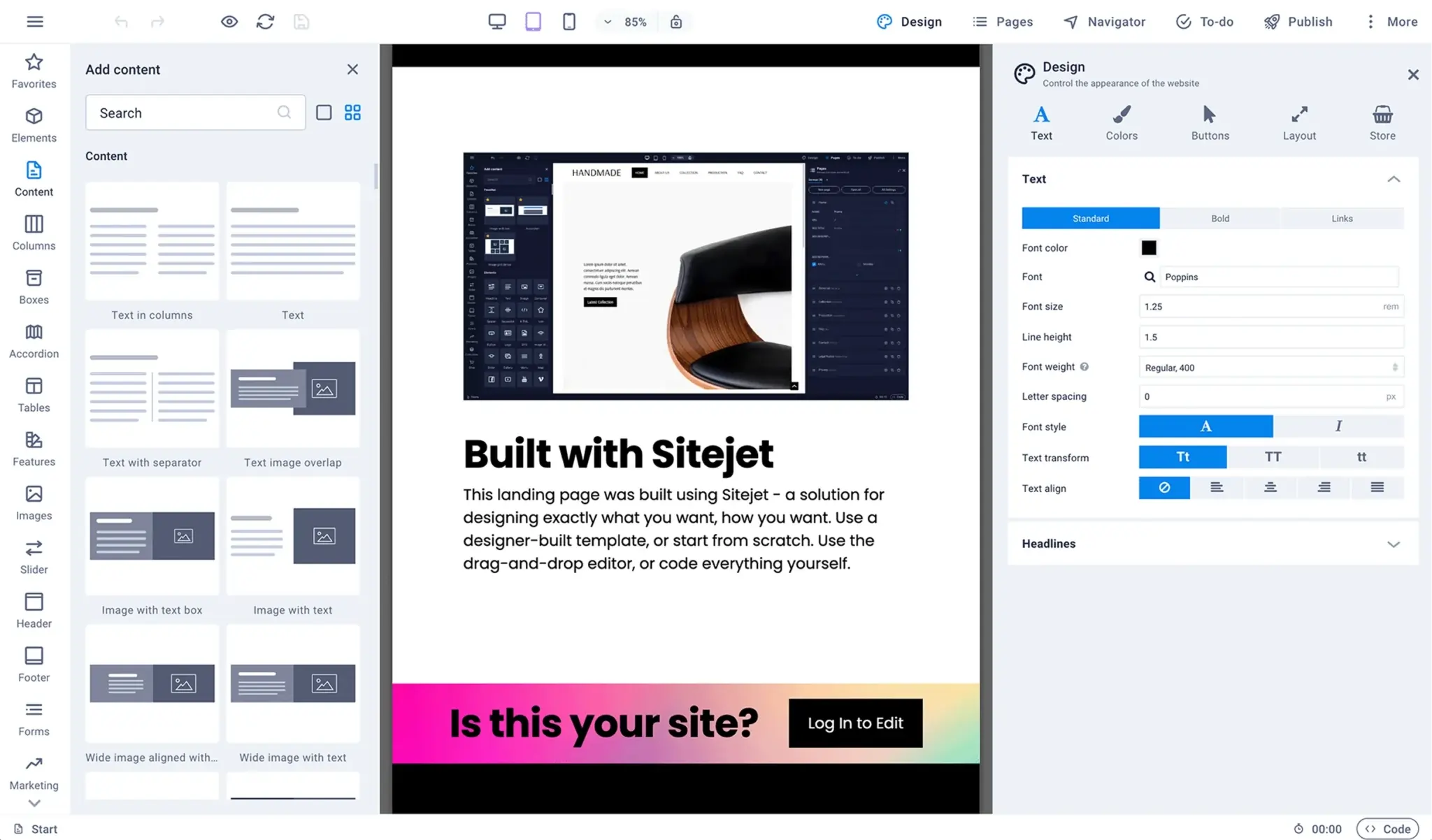
Use the intuitive drag-and-drop editor to personalize your website. Every template is fully customizable - tailor your design to perfection.
Publish Your Website
When satisfied with your website, click Publish. The system will redirect you back to cPanel and publish your site to your domain's document root directory.
Everything You Need to Succeed Online
The Sitejet Builder interface is fully integrated with your cPanel hosting. Design and publish your website from the ground up - every template is fully customizable.
Important Information
Automatic Restore Points
If your domain's document root already contains files, the system will prompt you to create a restore point. This saves your website's information so you can recover it in the future if needed.
File Management
Sitejet stores files in the $home/.sitejet/domain-file path. Note: Files managed by Sitejet may change when you update your site and should not be manually edited.
Storage Limits
If the publication process causes your cPanel account to exceed its disk quota, the system will prompt you to free up additional space before you can publish your Sitejet website.
Ready to Build Your Website?
Get started with our Sitejet AI Website Builder today. Create a stunning, professional website without any coding experience.